This example shows how to include pictures of an entire model and the loads. There are two pictures per load case based on the views "Default view" and "Mesh all view" and 4 viewing directions (ISO, X, Y, Z).
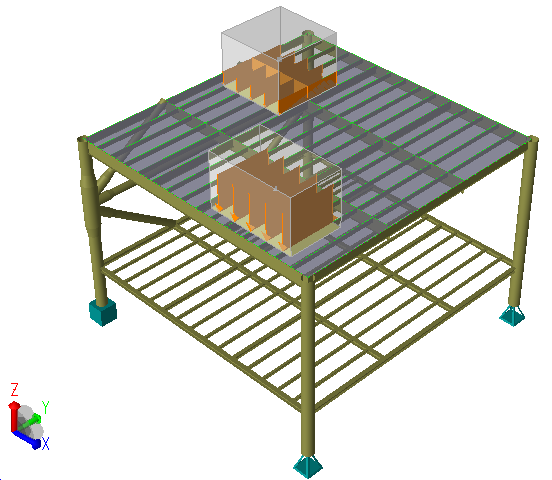
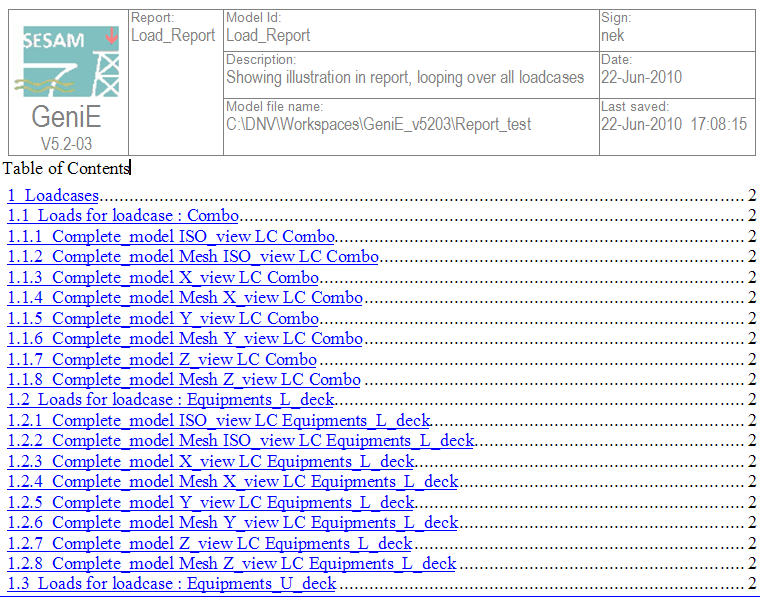
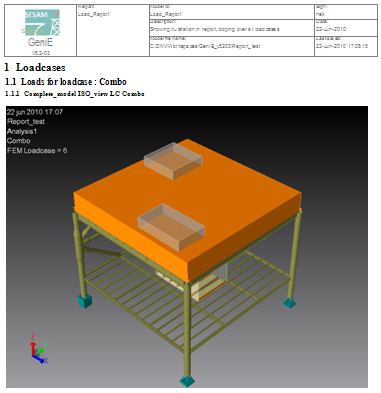
This example uses one of the tutorials from the GeniE installation (example B10). It contains a total of 6 load cases that will generate 48 pictures in the report (6 load cases x 2 views x 4 directions). The report will be generated in the formats *.doc and *.htm. If you want you can easily add the formats *.xls and *.txt to the script.
To generate the reports Loads_report.doc and Loads_report.htm you make a new workspace, read in the file Model_for_load_reporting_in.js to make the model and loads (it will also run analysis) and finally read in the file Report_loop_over_loadcases.js.
The report script will delete model views, create new temporary views and delete these when the report has been generated.
If you want another background of your pictures, simply change before you read in the report script file. Typically, ALT+B will change from colour background to white paper background.